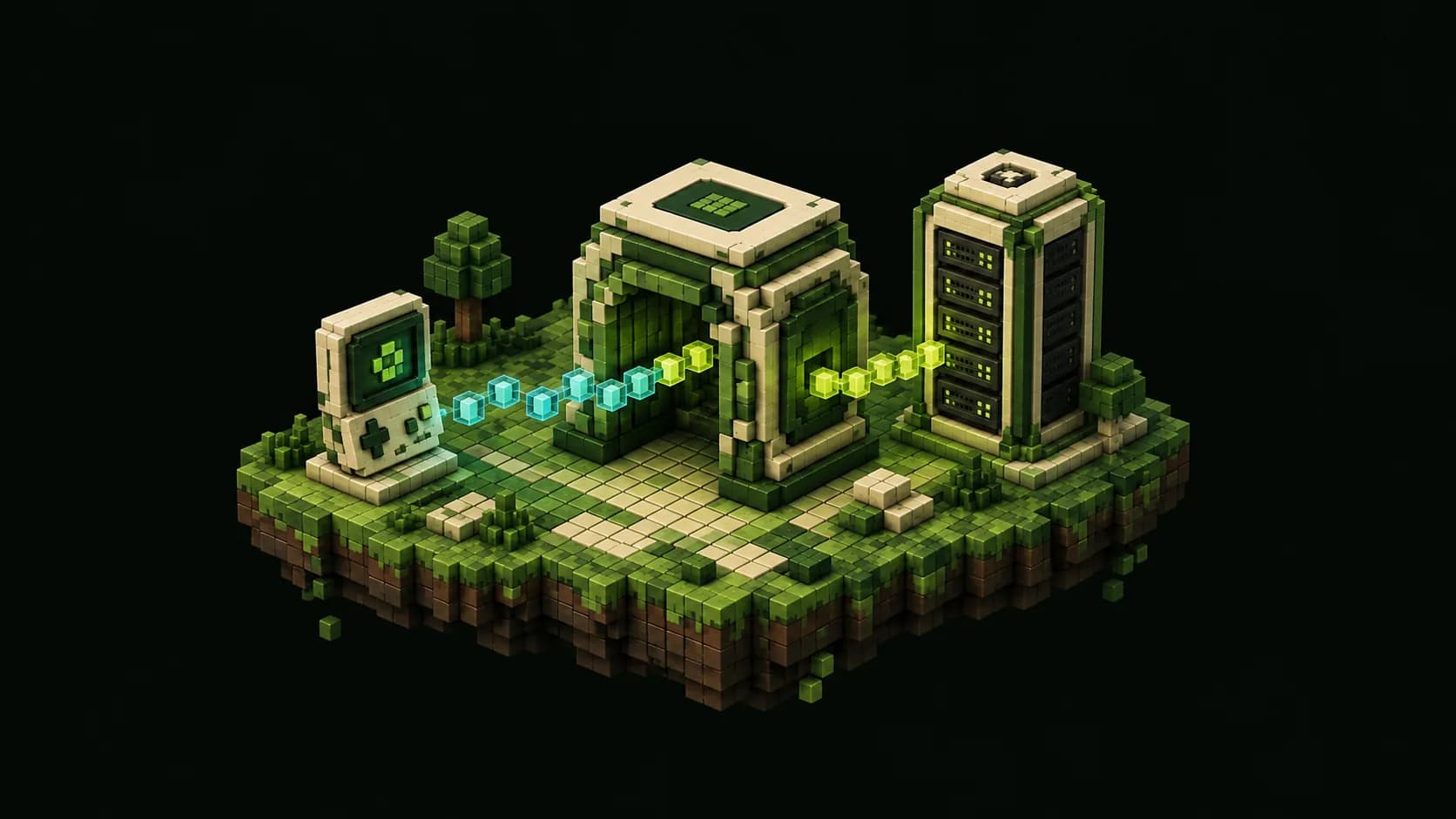
Understand what Geyser changes
Geyser is a protocol translator that lets a Minecraft: Bedrock Edition client connect to a Minecraft: Java Edition server. It translates packets in both directions and presents the Bedrock player to Paper as a Java client. Your existing Paper world remains the authoritative server; Geyser does not convert it into a separate Bedrock world or let Java clients join a Bedrock-only server.
For one Paper server, the Geyser-Spigot plugin is the most direct layout. Despite its name, Geyser documents this build for Spigot, Paper and their forks, and recommends the plugin form over Standalone for typical installations because it can use platform-specific optimizations and direct world access. A large proxy network may place Geyser on Velocity or BungeeCord instead, but mixing those instructions into a single-server setup creates unnecessary moving parts.
Check Geyser's live supported-versions page before downloading. Geyser emulates the current supported Java client, so Paper must accept that client version. The current Geyser-Spigot guidance supports Paper or Spigot 1.20.5 and newer and requires Java 21 or later; an older supported Paper release may also need ViaVersion so the emulated client can join. Servers below that plugin floor need a supported proxy, Geyser Standalone or ViaProxy rather than an old, unmaintained Geyser JAR.
Prepare a safe installation
Record the Paper build, Java runtime, plugin list, startup command and current public connection details. Stop the server cleanly and make a restorable backup of the world folders, configuration and plugins before adding either Geyser or Floodgate. Geyser is server code, not a client resource pack, so use the project's official download page and choose Geyser-Spigot.jar rather than a similarly named proxy, mod or Standalone artifact.
Review the general plugin safety checklist at /blog/install-plugins-paper-minecraft-server before uploading the JAR. In particular, stage the change when the world matters, keep only one Geyser version in the active plugins directory, and preserve the exact download source and version. Do not use a reload command: install and update Geyser only while Paper is stopped, then perform a full restart.
Confirm that the host can allocate an additional UDP listener. Java players usually reach Paper over TCP, while Bedrock players reach Geyser over UDP. Some game panels expose only TCP until an administrator allocates another port, and opening a firewall rule cannot create an allocation that the hosting platform has not assigned. Decide on the Bedrock address and port before maintenance so DNS, firewall and player instructions all describe the same endpoint.
- Back up the complete stopped server and test the restore path when possible.
- Download Geyser-Spigot only from the official GeyserMC download page.
- Verify that the target Paper version, Java runtime and ViaVersion plan match current support.
- Obtain a free UDP port from the host before advertising Bedrock access.
Install Geyser and choose the Bedrock port
With Paper stopped, place Geyser-Spigot.jar directly in the plugins folder and start the server once. A successful first start creates /plugins/Geyser-Spigot/config.yml. Stop Paper again before changing that file. Read the startup log from the beginning as well: a generated folder does not prove that the plugin enabled cleanly or that its Java version is supported.
In the bedrock section, address 0.0.0.0 normally lets Geyser listen on every available interface. The default Bedrock port is 19132, but a managed host may assign a different number. Set port to the exact UDP allocation players will use. Leave clone-remote-port false unless the host specifically requires Bedrock to reuse the Java port; when enabled, it overrides the configured Bedrock port with Paper's Java port on every start.
One numeric port can carry Java TCP and Bedrock UDP because they are different protocols, but the host, container and firewall must expose both. Geyser warns that another UDP service, such as voice chat or Query, cannot share its UDP port. If the log reports Address already in use, choose an unused allocation or move the conflicting service instead of repeatedly restarting.
For Docker, publish the Bedrock mapping explicitly with /udp—for example, 19132:19132/udp—in addition to the Java TCP mapping. For Pterodactyl, allocate the port in the panel's Network tab as well as permitting it at the firewall. On a home network, forward the same external UDP port to the server's internal address and allow it through the operating-system firewall. TCP-only forwarding will not carry Bedrock connections.
Choose authentication without weakening Paper
Geyser can use online authentication, but that path requires a Bedrock player to authenticate with an account that owns Java Edition. Floodgate is the official companion plugin for communities that want players with a Bedrock account to join without buying Java Edition. Floodgate does not eliminate identity checks: its documentation still requires the player to authenticate with an Xbox account.
To use it on the same Paper server, stop Paper, download Floodgate-Spigot from GeyserMC's official download page, place the JAR in plugins, and restart once. Then set Geyser's auth-type to floodgate and restart again. Do not copy a Floodgate key into Geyser when both plugins run on the same server; current troubleshooting guidance says that old step is unnecessary and can cause encryption errors.
Keep server.properties online-mode enabled. Geyser explicitly describes offline-mode use as unsupported and dangerous because it can allow identity impersonation. Floodgate is the supported hybrid-authentication layer. It gives Bedrock players distinct UUIDs and, by default, a username prefix to avoid collisions with Java usernames; review permissions, claims, chat and economy plugins with those identities before opening the server.
Open access and run an outside connection test
Start Paper and confirm that both Geyser and, if installed, Floodgate enable without errors. From the server console, run geyser connectiontest followed by the public IP or hostname and Bedrock port. Geyser's own setup guide recommends this check for reachability from other networks. Test from a device on mobile data or another external connection too; a successful LAN join does not prove that router, provider or cloud-firewall rules accept Internet traffic.
Give Bedrock players the same public hostname or IPv4 address used for the Java service, plus the Bedrock port from Geyser's config. Do not put the port inside the address field in the Bedrock add-server form. Also do not assume a Java SRV record will work: Geyser's troubleshooting guide notes that Bedrock does not support those SRV records, so publish an address that resolves directly and provide the port separately.
Windows, Android and iOS clients can normally add the endpoint in the Servers screen. Consoles often do not expose a normal custom-server field, so Xbox, PlayStation and Switch players may need one of the console-specific connection methods documented by GeyserMC. Verify at least one desktop/mobile Bedrock client before diagnosing a console-only failure as a server failure.
Run an acceptance pass with an ordinary, non-operator account. Check joining, movement, inventory persistence, chat, portals, commands and permissions across a full restart. If the server uses a whitelist with Floodgate, Geyser documents /fwhitelist add followed by the Bedrock username as the direct method once that player has joined a Geyser server before. Keep the prefix in mind when testing name-based moderation commands.
- Confirm the expected Geyser, Floodgate, Paper and Java versions in the startup log.
- Run the built-in external connection test against the advertised UDP endpoint.
- Join from outside the server network with a non-operator Bedrock account.
- Restart and prove that identity, inventory, permissions and plugin data persist.
Fix the common Geyser connection failures
If there is no connection attempt in the Paper console, work from the outside inward: confirm the player used the Bedrock port, verify the host allocation, check container publishing, open the UDP firewall rule, and confirm router forwarding. The most common mistake is exposing 19132 only over TCP. A cloud provider may also have a network firewall in front of the operating-system firewall, so both layers must allow the chosen UDP destination.
If Geyser logs Address already in use, another process or UDP feature owns the listener. If it logs a newer class-file-version error, update the Java runtime used by the actual service or panel rather than only the shell. If the Bedrock client says Outdated server, compare the live Geyser supported version with the Paper version and update Paper or install a supported ViaVersion arrangement. Never solve a version mismatch by downloading an arbitrary old Geyser build.
If the client reaches Geyser but login fails, verify auth-type and confirm Floodgate started successfully. For a plugin installation, Geyser's common-issues guide suggests 127.0.0.1 as the remote Java address when local connection settings are wrong; containers may need the Java service's internal network address instead. Connection refused means no Java server is listening at that remote address and port or a network rule rejected it.
Change one variable, restart cleanly and retest. Preserve latest.log and generate the diagnostic information requested by Geyser support before removing security controls or trying random configuration snippets. A repeatable failure with the public endpoint, Geyser version, Paper version, Java version and full startup log is far easier to resolve than a cropped screenshot of the final error.
Operate cross-play as a production feature
Treat Geyser and Floodgate updates as normal production plugin changes: read release notes, back up, stage the exact JARs, restart, and repeat the Bedrock acceptance pass. Bedrock clients update automatically, so a newly released client version can temporarily require a current Geyser build even when Paper itself did not change. Track the supported-versions page instead of promising indefinite compatibility with one installed file.
Monitor login errors, disconnects, tick time and memory during real mixed-platform play. Geyser translation adds work, but a measured regression may still come from another plugin, newly explored chunks or the host network. Use the baseline process in /blog/minecraft-server-lag-fix-guide to separate server tick problems from a Bedrock connection path before buying capacity or changing gameplay settings.
Document the Java TCP endpoint, Bedrock UDP endpoint, firewall rule, auth mode, Floodgate prefix and rollback procedure for whoever handles incidents. More server operations guides are collected at /blog. If testing shows that the current host cannot allocate stable UDP access or the verified workload needs more resources, compare the options at /pricing after the software and network path are known-good.
Frequently asked questions
Quick answers
Can Bedrock players join a Paper server?
Yes. Geyser translates Bedrock protocol traffic into a form the Java Paper server understands, while Paper remains the authoritative world server.
Which Geyser download works with Paper?
Use the official Geyser-Spigot plugin for a single Paper server. Check Geyser's live supported-versions page first and use a proxy or Standalone layout only when your topology requires it.
Does Geyser need TCP or UDP port forwarding?
The Bedrock listener needs UDP. Java normally uses TCP, so expose the configured Geyser port over UDP even if both editions use the same numeric port.
Do I need Floodgate with Geyser?
Only if Bedrock-account players should join without owning Java Edition. Install the official Floodgate plugin, set Geyser auth-type to floodgate and keep Paper in online mode.
Why can Java players join but Bedrock players cannot?
The Java TCP path can work while Geyser's UDP path is blocked. Check the advertised Bedrock port, host allocation, container mapping, firewall, router forwarding and the Geyser connection test.